
Understand what the warning measures
WordPress stores site and plugin settings as options. Some are loaded together when WordPress starts handling a request, so a plugin can use them without fetching each setting separately. That behaviour is called autoloading. Large settings that are unnecessary for most requests add data to this shared load.
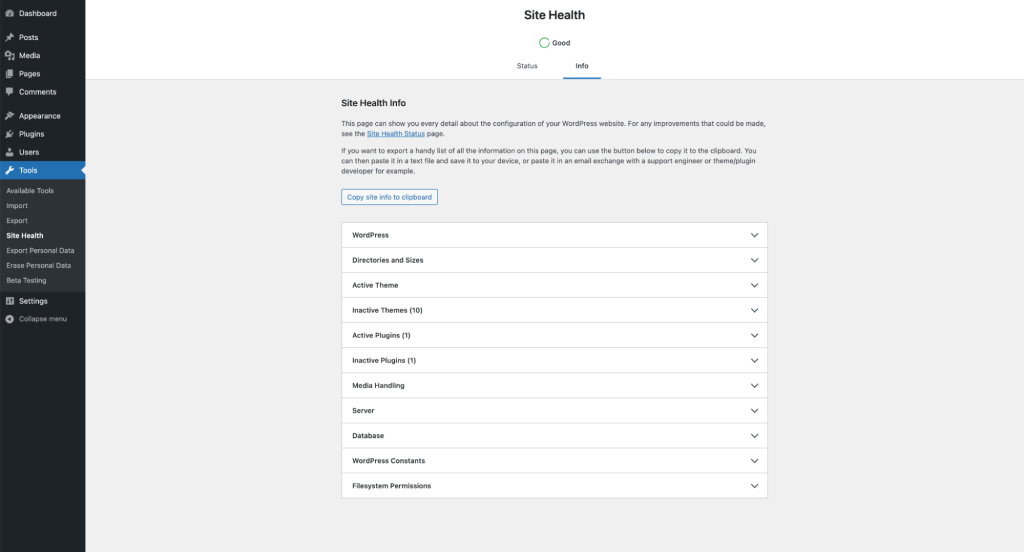
Open Tools > Site Health > Status and expand the autoloaded-options result. Record its count and total size, the date and your WordPress version. WordPress introduced this check in 6.6 with a default warning threshold of 800,000 bytes, as its performance notes explain. Plugins or custom code can alter that threshold.
The total size matters, rather than simply having a large number of options. A warning is not proof that this is the cause of a slow page. Record a repeatable slow action separately using the slow dashboard guide, so you can check whether the eventual change improves it.
Get a report of the largest loaded settings
Site Health gives a summary rather than an ownership report. Ask your host for a read-only report for this installation, listing the largest autoloaded option names, their individual byte sizes and their autoload status. Request names and sizes only; option values can contain private settings or credentials. The WordPress optimisation handbook directs owners to their hosting provider for database-specific instructions.
Give the host the site address and the Site Health total. Ask them to use the correct database and table prefix, and to account for the autoload values used by your WordPress version. An old report that counts only rows marked yes can miss newer autoloaded entries. The current WordPress reference includes yes, on, auto-on and auto by default.
Compare the largest entries with the whole total before acting. Several small settings from a familiar plugin can distract from one much larger entry. Keep the report private, and ask for an explanation if its sum differs substantially from Site Health rather than treating either number as a cleanup target.
Identify the owner and choose the appropriate fix
An option-name prefix is a clue to its owner, not proof that the data is disposable. Match it against installed plugins and themes, then send the exact name and size to the relevant developer. Include the plugin version and ask what the option stores, when it is needed, and whether the supported fix is an update, a settings change or a targeted cleanup.
For an active plugin, check its release notes for a relevant fix and test that update on staging. A supported retention setting can reduce a growing collection of temporary records without removing the plugin's configuration. Clearing a cache through its own controls is different from deleting an unidentified database entry.
If the entry belongs to a plugin you have permanently retired, check its documented uninstall behaviour and whether its old data is still needed. Deactivating a plugin does not establish that its settings are redundant. Export any information you want to retain, then follow the developer's supported removal process. Do not reinstall and delete an old plugin purely to trigger cleanup without confirming exactly what that action removes.
Test an agreed change before applying it to production
Take a database backup and verify a restoration route. Use a staging copy for the proposed fix. Record the specific option, the original behaviour and the expected result so a failed test can be reversed.
When the plugin needs to keep a setting but does not need it on every request, its developer can confirm whether disabling autoload for that particular option is appropriate. Ask the host or developer to use WordPress's supported option functions, such as the autoload update API, with the option value preserved and caches handled correctly. This is a targeted implementation task, not a reason to turn off autoload for every row.
Disabling autoload retains the setting for later retrieval; deleting the option removes the setting itself. Keep those actions distinct when approving work. Avoid editing a large value by hand in phpMyAdmin: it can contain a structured collection of settings whose internal format must stay intact.
Check the feature, the total and subsequent growth
After each change, reload Site Health and obtain an updated report using the same method. Open the affected plugin's settings, exercise the feature that owns the option, and test the original slow action. Include account access, forms or checkout where that plugin participates. A smaller autoload total alone does not prove the feature still works.
Repeat the check after the normal background job or feature use that writes the setting. Data that immediately returns needs its generating process fixed. Once staging passes, apply only the agreed change to the live site with a fresh backup, then repeat the checks there. Keep the original report and rollback details until the behaviour is stable.
If database storage is also a concern, use the separate database-size guide. Removing revisions or compressing tables does not directly correct a plugin's autoload decision. Raising the Site Health threshold simply changes when the warning appears; it does not reduce the loaded data.
Get help with the next step
If your report identifies large options but their purpose is unclear, BugShield can help investigate their ownership and test a targeted fix without guessing which settings to delete.