
Confirm that the repeated requests are Heartbeat
A hosting report that mentions admin-ajax.php has identified a shared WordPress request handler. Plugins use it for searches, forms and other tasks as well as Heartbeat. Disabling Heartbeat will not fix an unrelated action using the same address.
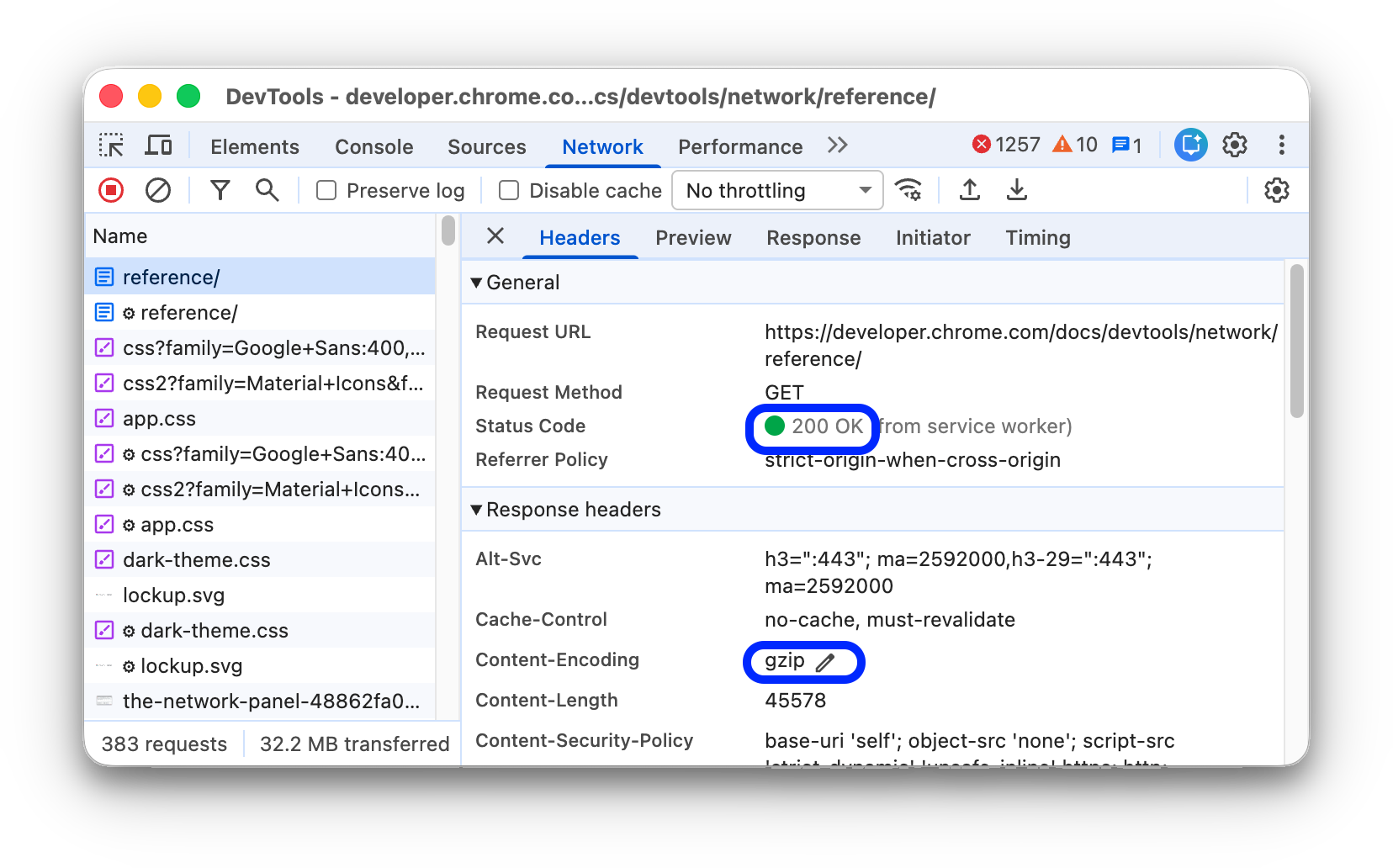
On the affected dashboard screen, right-click and choose Inspect, then open the browser's Network tab. Filter for admin-ajax.php, leave the page open and select a repeated request. Under Payload or the request's form data, look for action: heartbeat. Our admin AJAX guide explains how to inspect these requests without guessing from the URL.
Note the screen, approximate interval and time taken by each request. Ask the host to check whether those requests consume substantial processing time during the same period. A regular request completing quickly does not establish a performance problem. Close unused dashboard tabs first and compare the host's readings under a similar workload.
Choose the smallest change that addresses the evidence
WordPress's Heartbeat reference describes periodic requests that can also carry a plugin's data. The editor uses related features such as post-lock information; the classic editor's autosave also depends on Heartbeat. Treat the public site, general dashboard and editing screen as separate areas.
Use a staging copy to test changes with the same plugins. Record existing controls before editing them. Start by increasing the interval in the area identified by the evidence, and leave editor behaviour unchanged. A plugin can depend on live updates even when you do not see a visible notification.
Check your existing performance plugin for Heartbeat controls. Choose one controller and avoid overlapping settings in several plugins. The following paths cover LiteSpeed Cache and WP Rocket if already installed; installing another full caching plugin solely for this setting creates unnecessary configuration work.
Adjust Heartbeat with an existing plugin
In LiteSpeed Cache, open LiteSpeed Cache > Toolbox > Heartbeat. For a measured dashboard issue, set Backend Heartbeat Control to ON and try a Backend Heartbeat TTL of 120 seconds. Save and reload the affected screen. Keep Editor Heartbeat unchanged.
LiteSpeed's control switch governs whether the plugin overrides Heartbeat. OFF does not mean Heartbeat itself is disabled. Its Heartbeat settings reference documents a TTL from 15 to 120 seconds, with 0 disabling the selected area's Heartbeat when its control is ON. Use that setting only after checking the features that rely on it.
With WP Rocket, open its settings and the Heartbeat tab. Enable Control Heartbeat, set the affected area's behaviour to Reduce activity, and leave the post editor at Do not limit. Save changes. WP Rocket's control guide explains its two-minute reduced interval and separate Disable option.
Disable only a scope you have tested
For example, if a public page generates unwanted Heartbeat requests and the responsible plugin confirms it does not need them there, test disabling only frontend activity. In LiteSpeed that means Frontend Heartbeat Control ON with Frontend Heartbeat TTL 0; WP Rocket provides Disable for frontend behaviour. Save, reload the page and repeat its interactive tasks.
Keep a record of what changed and check both signed-out and signed-in visitors. A successful homepage load does not prove account pages, live status panels or plugin features still work. Disabling general dashboard activity also affects WordPress Site Health's ability to load results, as WP Rocket documents. Restore the previous setting if an affected feature stops updating.
When your installed tools have no suitable control, ask their support team or a developer for a scoped change with a rollback. Avoid pasting a global script-removal snippet into the theme editor. It bypasses the distinctions above and leaves you responsible for maintaining that code.
Verify the benefit and protect everyday editing
Repeat the Network check on a freshly loaded screen. Compare request frequency, host resource use and the original slow action over a similar period. Fewer requests without a meaningful improvement is a reason to investigate the remaining work, using our slow dashboard guide.
Create a disposable draft, make an edit, check its save status and reopen it to verify the saved content. Where several people edit, test the editing-lock notice with a second authorised account on that draft. Check the plugin's live updates and Site Health as well. Restore your recorded settings if any of these regress, then reload open admin tabs so they use the restored behaviour.
Get help with the next step
If your host reports heavy admin AJAX traffic but the responsible action is unclear, BugShield can help trace the requests and choose a change that preserves your editing workflow.