
Reproduce the missing rate with a complete address
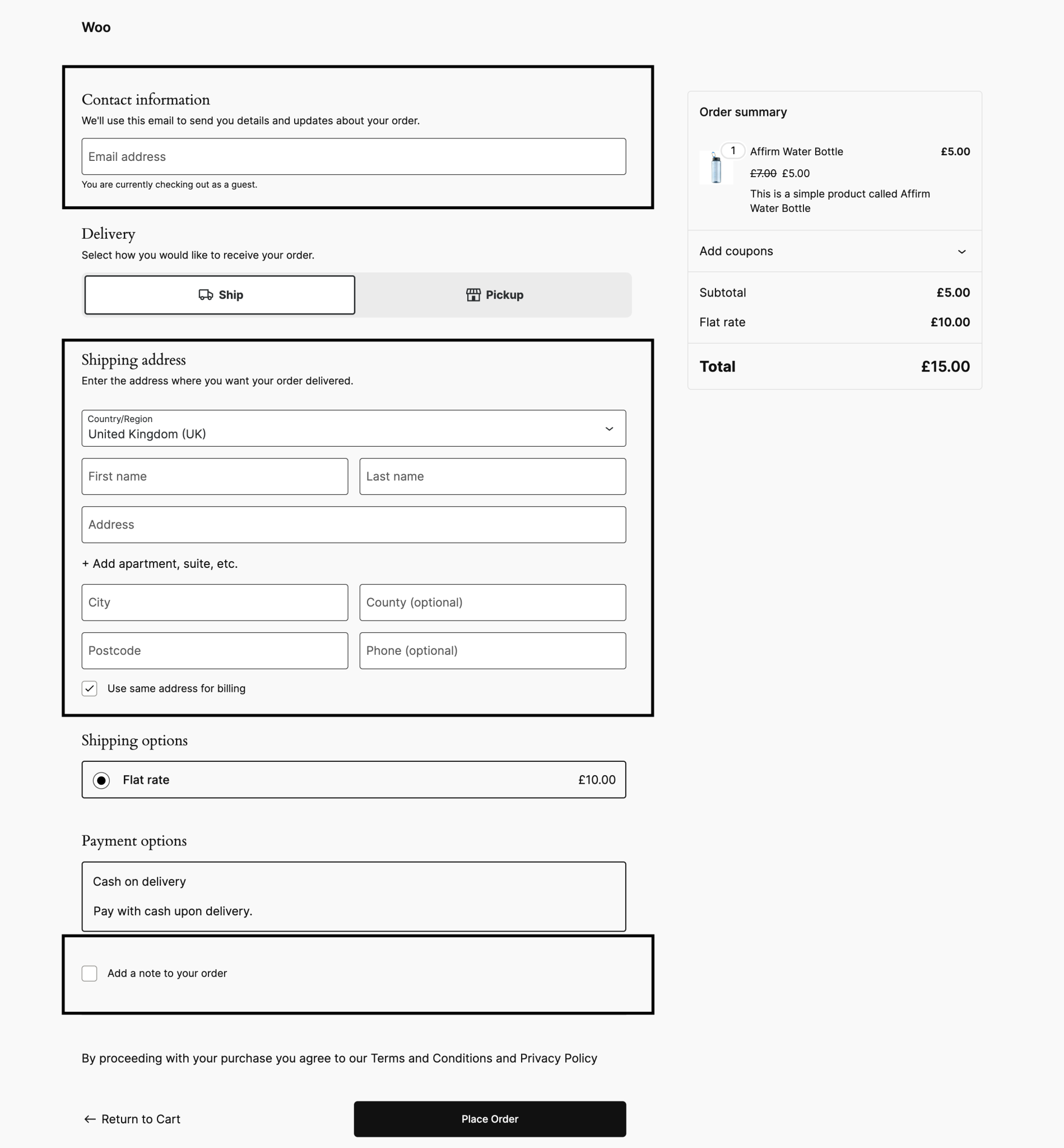
Record the products, variations, quantities and coupon used, then test the same basket in a private window. Enter the complete delivery country, region and postcode at checkout. A location guessed before the shopper supplies an address is not a reliable test of the final rate.
Check WooCommerce > Settings > General for the allowed selling and shipping locations. Confirm the destination is one you intend to serve. If rates appear but refuse to change after an address or quantity update, compare our cart update guide. A frozen display and an unavailable shipping service need different fixes.
Find the first shipping zone that matches
Open WooCommerce > Settings > Shipping > Shipping zones. A zone is a delivery area with its own methods. WooCommerce uses the first matching zone from the top, so arrange specific postcode or regional zones above broader country zones. It does not combine methods from every matching area.
Edit the matching zone and check its countries, regions and postcode restrictions against your test address. Use the left-hand drag handle to correct zone order and save. Consult the shipping-zone reference for postcode matching. A wildcard includes every postcode sharing that prefix, so check the boundary rather than assuming two similar prefixes mean the same area.
For an address outside every configured zone, review the fallback zone, called Rest of the world in current versions. A zone with no available shipping method intentionally offers no delivery. Do not add worldwide shipping simply to remove the error if the business cannot fulfil those orders.
Check the method and its conditions
Inside the matched zone, confirm the intended method is enabled. Open its settings and check its saved cost or eligibility rules. If it is absent, use Add shipping method to add only a service you actually offer. Record the original settings before changing them so that an unsuccessful test can be reversed.
For Flat Rate, inspect the base cost and any shipping-class costs or formulas. A shipping class groups products for a pricing rule; it does not supply a rate on its own. Compare the affected item's class with a working product and follow the Flat Rate settings guide. Do not invent a new price merely to make a method appear.
If Free Shipping is missing, check whether it requires a minimum spend, an eligible coupon, either condition or both. Review whether the minimum is evaluated before coupon discounts. Test just below and above the threshold using the same tax display settings. WooCommerce's Free Shipping guide explains those controls; our coupon guide covers coupon eligibility.
Inspect the product that needs delivery
Go to Products > All Products and edit the item. In Product data, check whether Virtual is selected. A virtual item does not require shipping. Downloadable is a separate setting: a downloadable product is not automatically virtual. For a variable product, inspect the selected variation as well as the parent product.
Carrier-rate extensions can require weight, dimensions, a shipping origin and a supported package size. Confirm these values and the shop's measurement units before testing. Built-in Flat Rate does not universally require a product weight, so adding random measurements is not a general repair. Use our variation guide if only one size or colour fails.
Separate carrier failures from shop configuration
When a live carrier quote is missing, identify the extension under Installed Plugins and check its account connection, enabled services and origin address. Turn on its documented diagnostic logging, perform one test and read the relevant source and date under WooCommerce > Status > Logs. An account error, unsupported parcel or excluded destination needs the corresponding correction.
On a protected staging copy, add a clearly labelled temporary Flat Rate to the same zone. If that appears for the same address while the carrier rate does not, focus on the carrier integration. Remove the temporary method afterwards; do not expose a diagnostic price on the live shop.
For core methods, open WooCommerce > Settings > Shipping > Shipping settings, select Enable debug mode and save, following the shipping troubleshooting guide. Use it on staging to inspect the matched zone, then turn it off because messages can be visible to shoppers. If the layout suppresses those messages, have support inspect the matching result rather than treating silence as proof.
Verify prices at the edges of your delivery rules
Retest an address inside the repaired zone, one outside it and any overlapping region. Change the basket quantity, try a different shipping class and test the free-shipping threshold if used. Confirm the chosen method and final total remain correct through checkout. You do not need to submit repeated payments just to inspect available shipping rates.
If correct rates appear in standard Cart and Checkout layouts but fail in a builder layout, use our checkout guide to isolate that customisation on staging. Keep WooCommerce and the shipping extension active. Apply only the confirmed fix to the live shop, remove temporary methods and logs, and repeat the original customer's basket test.
Get help with the next step
If overlapping zones or carrier rules make the price hard to explain, BugShield can help trace the shipping calculation using a specific basket and destination.