
Capture the failed attempt before editing the offer
Copy the code from the promotion and apply it to the same products, variations and quantities as the customer. Enter the correct billing email if the offer is limited to particular recipients. Note whether the field is missing, Apply does nothing, the shop rejects the code, or the code applies with an unexpected discount. Save the full error message and the basket total.
Compare the advertised terms with the intended offer before changing its rules. A £10 discount for eligible products is different from £10 off every item or free delivery. If the customer qualifies but the configured promotion does not reflect the published terms, correct that specific mismatch and record what changed.
Confirm the code is available to use
Open WooCommerce > Settings > General and check Enable the use of coupon codes. Then open Marketing > Coupons and find the exact code. Verify it is published and review its expiry and scheduled publication. Read the official coupon settings guide alongside any extra controls supplied by a promotion plugin.
If the code cannot be found, confirm that the promotion belongs to this shop rather than a test site or another regional store. Do not recreate a missing code with unlimited use. First establish its intended amount, eligible audience and campaign dates, then save the correctly scoped offer.
Match the rejection to a restriction
Within the coupon, inspect Usage restriction and Usage limits. Compare the customer's basket with the minimum or maximum spend, product and category restrictions, sale exclusions, permitted billing emails and combination rules. Review the overall and per-customer usage limits too. Do not remove every restriction to find the one that failed.
Test one suspected condition at a time on a staging copy. For example, keep the basket unchanged and remove a second coupon when testing an individual-use rule. Next, swap only the excluded sale product for a qualifying item. Record which change makes the code valid, then decide whether the rule or the promotion wording needs correcting.
WooCommerce's minimum-spend comparison uses the cart subtotal plus tax, not the final total including delivery. Check the shop's displayed amounts before judging a threshold. If a usage limit appears wrong, review associated orders and active checkouts with support instead of resetting the counter or deleting orders. Keep the live limit in place until its use is reconciled.
Check what the discount is meant to reduce
In the coupon's General tab, compare the discount type and amount with the intended offer. A fixed cart amount reduces the eligible cart overall; a fixed product amount applies per eligible item; a percentage follows eligible product prices. Test with a single item and then two of the same item so an unintended per-item discount becomes visible before the campaign continues.
Standard product discounts do not automatically remove delivery charges. For free delivery, confirm Allow free shipping on the coupon and a compatible Free Shipping method in the customer's matched shipping zone. Its condition must accept that coupon. Follow our shipping calculation guide and WooCommerce's Free Shipping instructions if the code applies but postage remains.
A gift card, store credit or automatic discount can be supplied by an extension with different calculation rules. Identify that extension under Installed Plugins and use its documentation. Avoid changing tax settings to make a coupon total resemble an expected figure; tax display and discount calculations need to remain consistent across the shop.
Repair an unresponsive or missing coupon field
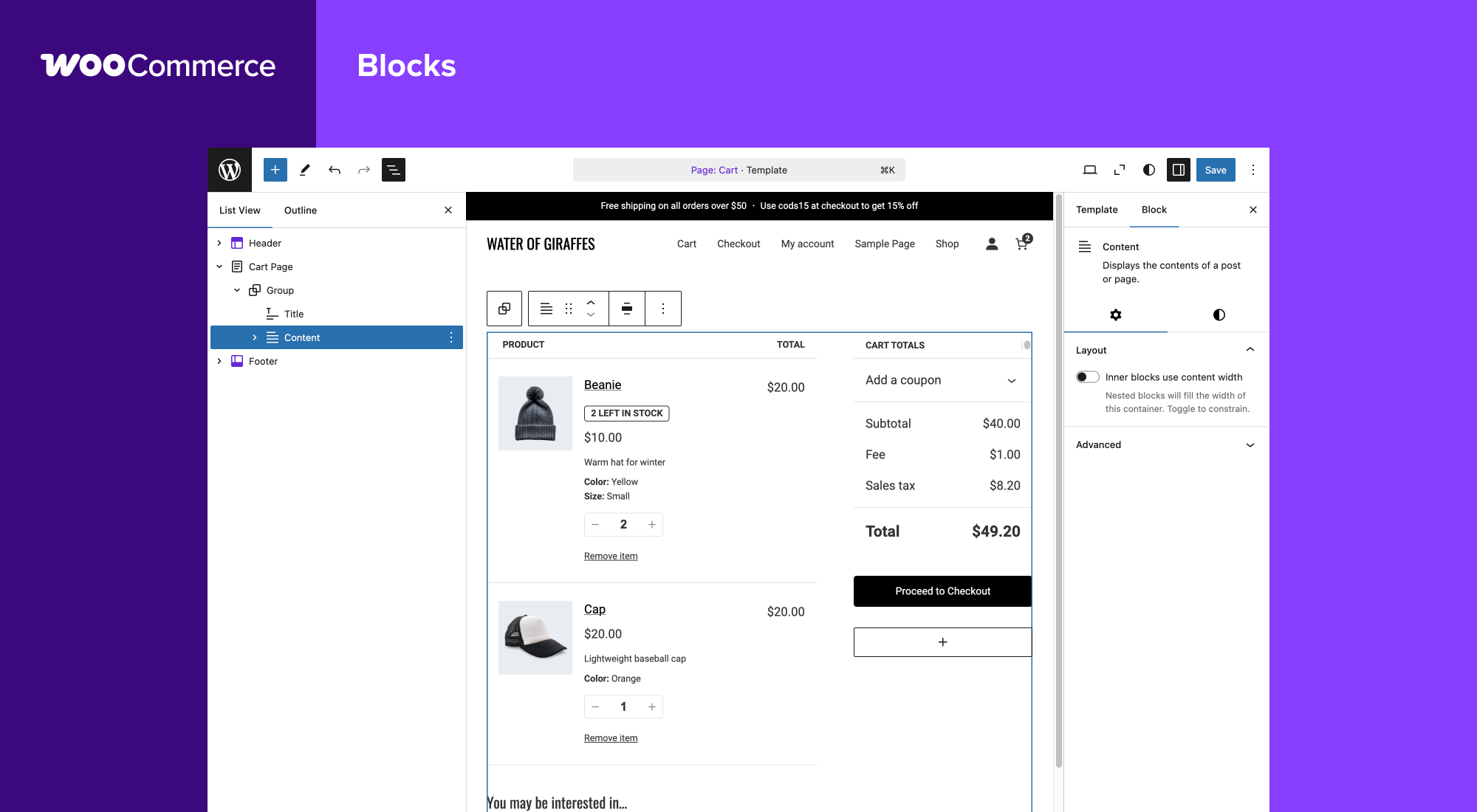
When the code is valid but the field is missing, open the assigned Cart or Checkout page under Pages. Check whether the builder layout includes its coupon control or whether the block's coupon section is collapsed. Compare with the supported standard WooCommerce layout on staging before editing a live template.
If Apply does nothing or the discount disappears when moving to checkout, follow our cart update guide. Test page-cache exclusions and one optimisation setting at a time. For a URL that is meant to apply a coupon automatically, first try entering the same code manually. A successful manual application points to the link or its extension, not the coupon's eligibility.
WooCommerce URL Coupons has its own link and cache troubleshooting instructions. Other automatic-coupon plugins need their own equivalent checks. Keep WooCommerce and the relevant coupon extension active during conflict tests, and restore changes that make no difference.
Verify the offer and its limits together
Retest a qualifying basket, an excluded product, the spend boundary and the customer restriction where applicable. Check the discount line and final checkout total after changing quantities. A good repair allows the intended purchase while keeping the campaign's exclusions effective.
Apply the confirmed change to the live coupon, remove temporary test offers and verify the advertised code in a fresh browser session. Do not place repeated paid orders solely to inspect a discount. If a customer already paid the wrong amount, review that order and agree the appropriate correction rather than rewriting its historical coupon data.
Get help with the next step
If several discount plugins or promotion rules disagree, BugShield can help identify the conflicting condition and check that the corrected offer honours its intended limits.