
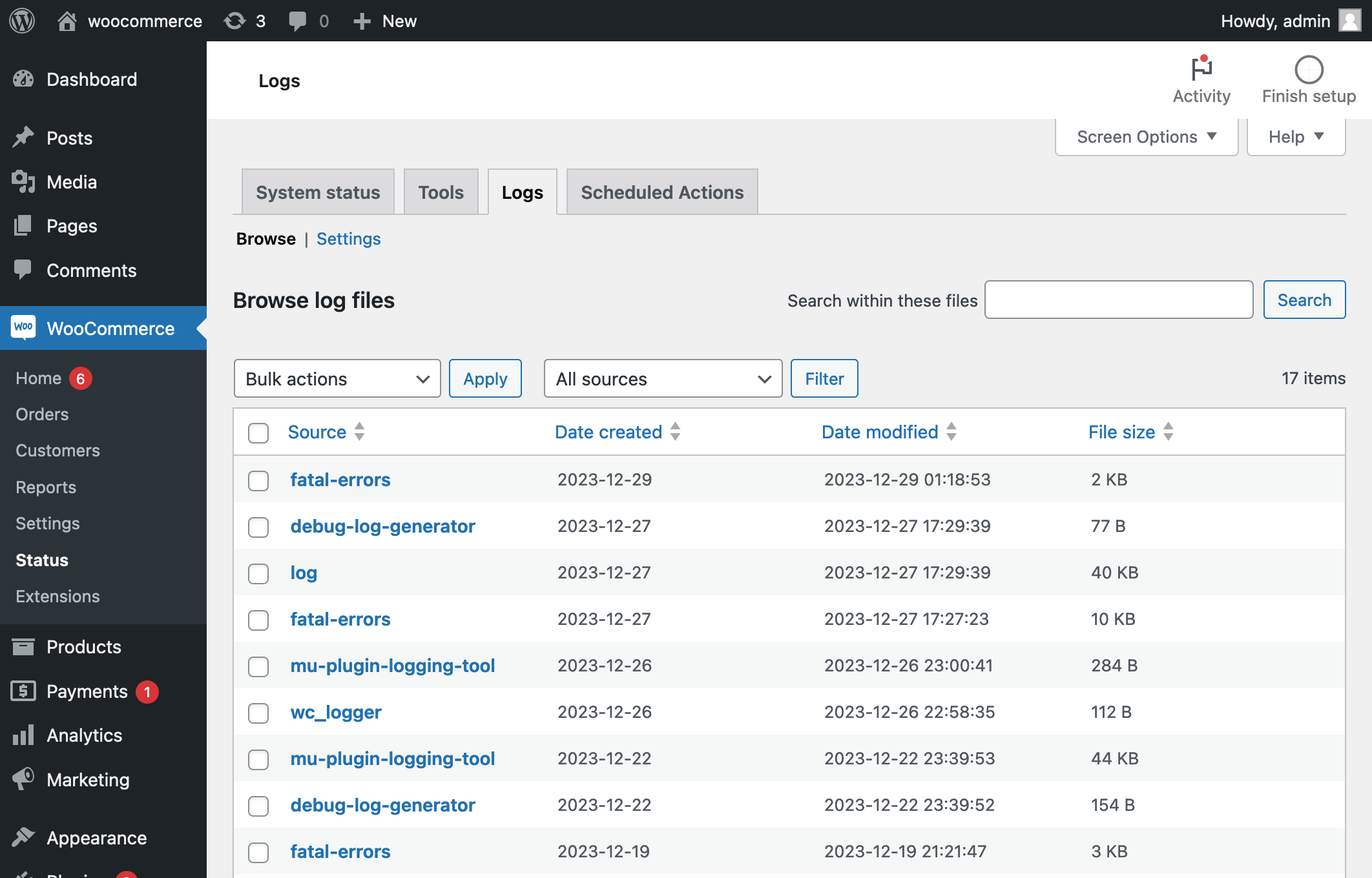
Read the task status and its scheduled time
Open WooCommerce > Status > Scheduled Actions. Filter the list and open an affected action’s log. Record its hook name, action ID, scheduled time, status and error. A hook is the name that connects the task to plugin code. The Action Scheduler administration reference explains the available filters and logs.
Pending work dated in the future is expected. Overdue pending work has missed its scheduled time; failed work records an unsuccessful attempt. A completed label describes the task runner’s result, so also check the business outcome. Avoid exporting arguments that contain customer or authentication data.
Compare one failure with the store’s records
For a renewal, inspect the subscription, renewal order and gateway transaction before considering another attempt. For an email, check the notification and mail-provider evidence. If a stock or fulfilment task is involved, compare the receiving system with the store.
A timeout can occur after an external system has accepted work. The failed label therefore does not prove that nothing happened. Follow the subscription renewal guide for payment recovery and the order email guide for delivery investigation.
Distinguish a broken task from a queue that has stopped
Compare several recent tasks. If unrelated tasks stop progressing, ask the host to inspect WordPress scheduling, resource limits and requests the site makes to itself. Action Scheduler describes its background runner and use of WordPress scheduling. A deliberately configured server scheduler can replace visit-triggered cron, so do not enable an extra runner blindly.
If other work continues and one hook fails repeatedly, inspect that plugin’s error log, configuration and version. Use the matching timestamp under WooCommerce > Status > Logs. Preserve the first useful error before updating software or clearing logs. The loopback guide helps when requests back to the site are failing.
Repair the cause before selecting a retry
Review WooCommerce’s scheduled-action error guidance when subscriptions are affected. Ask the plugin owner how its task can be resumed safely and whether it prevents duplicate effects. Do not bulk-run pending tasks, delete the queue or paste a cleanup query merely to remove a warning.
Reproduce the task on a protected test installation with test data and contained external effects. After the cause is fixed, run only the agreed test task and verify its outcome. Live recovery needs a reviewed list of affected records, with already-completed operations excluded.
Check that the queue keeps progressing
Record the affected hook and outcome after repair, then observe new work through the next relevant scheduled run. A reduction in the failed count after deletion is not evidence of recovery. Keep the log and incident note so repeated failures can be compared without starting again.
Get help with the next step
If the evidence is unclear, request help with a stalled store task. Share the symptom and checks already completed so the next step can be agreed.