
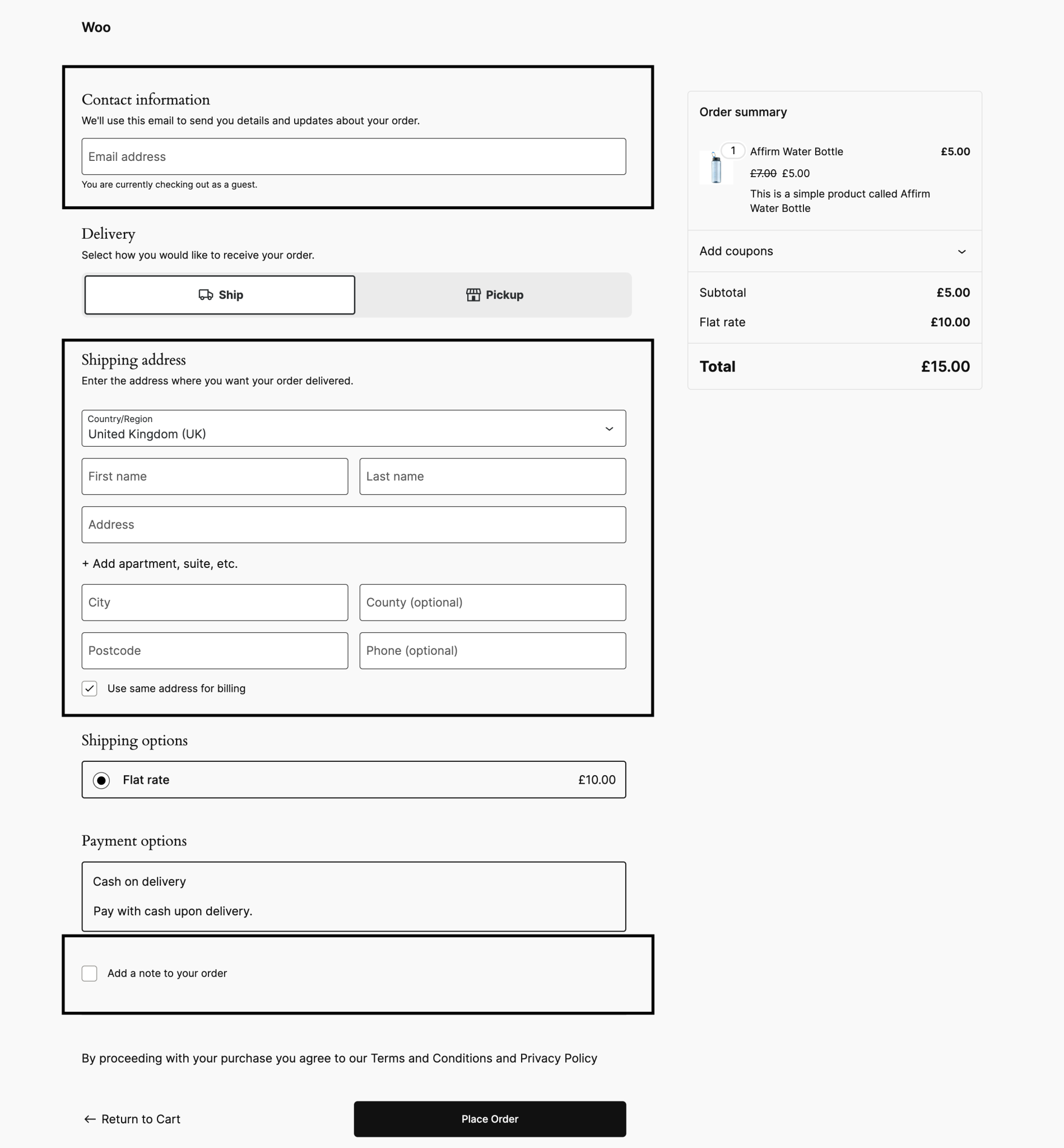
Capture the checkout request that fails
On a protected test store, open the browser’s developer tools and select Network. Keep the request log visible while reproducing the affected step with test customer details. Filter for the 403 response and record its time, request method, path and response message. Classic checkout can use a wc-ajax request; a block checkout can use the WooCommerce Store API. Follow what your store sends rather than copying an endpoint from another shop.
Save only a sanitised record. Remove cookies, authorisation headers, tokens, addresses and payment details before sharing it. If the response contains a Cloudflare Ray ID, keep it with the timestamp so support can investigate the same event.
Establish whether Cloudflare or the host refused it
Look for the matching request in Cloudflare security events and compare the rule, action and time. A matching block or challenge is useful evidence. Cloudflare’s 403 reference also describes refusals from the origin server, meaning the host behind Cloudflare. A Cloudflare header alone does not prove a firewall rule caused the failure.
Ask the host to check the corresponding access and security logs. A hosting firewall, access restriction or WordPress plugin can return its own refusal. An absent event is not proof that Cloudflare is uninvolved: logging availability and early request failures affect what appears. Follow the broader WordPress 403 guide when the evidence points away from checkout-specific filtering.
Change the identified rule with a narrow scope
Have the site’s security administrator review the rule that matched the legitimate test. If an exception is justified, limit it to the necessary hostname, request route and relevant security check. Cloudflare documents the Skip action and its limits. The appropriate change depends on the product and rule that produced the event.
Do not turn off the firewall for the whole site or exempt every request containing a checkout-like word. Save the previous setting, record the reason for the change and check that unrelated protected requests still receive the expected treatment. If the origin generated the refusal, correct that layer instead.
Verify payment, order and confirmation together
Repeat the affected guest or signed-in journey with the relevant payment method in its test environment. Check the confirmation page, WooCommerce order status, gateway result, stock change and intended notification. For callback failures, confirm that the provider’s notification reaches the store and updates the order once.
Record the result and any remaining limitations before applying the agreed change to live. Use the Stripe guide for Stripe-specific evidence or return to checkout troubleshooting for a different failure. A successful test purchase does not prove every bank will approve every live payment.
Get help with the next step
If the evidence is unclear, request a checkout repair. Share the symptom and checks already completed so the next step can be agreed.