
Establish which resource and website reached its limit
CPU is the server's processing resource. A high reading can accompany legitimate work, so record how long it lasts and whether visitors receive slow responses or errors. Memory, disk activity and simultaneous-request limits are separate measurements. A generic resource-limit notice needs the host's explanation before you can choose a fix.
Open the hosting dashboard's resource or performance section and select the affected time range. On supported cPanel accounts, the CPU and Concurrent Connection Usage interface provides account-level monitoring. Names and available detail depend on the host. Ask what its percentage represents and whether the readings include other websites on the account.
Record the start and end of the spike, including time zone, any error code and what changed beforehand. Ask the host which process or request consumed the resource, whether a limit was enforced, and whether the issue belongs to your account or the wider server. A graph alone cannot identify a WordPress plugin.
Reduce an identified burst without losing important work
If the spike began when you launched an image conversion, import, full backup or cache preload, open that tool's progress screen. Use its documented pause or cancel control if the task is optional and can resume safely. Avoid repeatedly launching it again because the screen appears stuck; the original job can still be running.
Keep the progress report and check what completed before resuming. An import needs its duplicate-handling rules checked, while a backup needs a confirmed completed recovery copy. Arrange smaller supported batches or separate schedules for heavy maintenance jobs. Do not stop payment renewals, order processing or all scheduled jobs simply because they appear in a queue.
For an active outage, ask the host to help contain the specific load while preserving logs. A temporary capacity increase can restore service when justified, but keep investigating the cause. Increasing the PHP memory limit changes memory allowance, not the CPU allocation.
Match heavy requests to traffic and cache behaviour
Ask the host for a summary of the busiest URLs and slowest requests during the incident, together with request counts and cache status where available. High request count and high processing cost are different clues. Request a redacted summary rather than publishing access logs, which can contain visitor information and private URL parameters.
For repeated public-page requests, confirm that eligible signed-out visits receive the expected page cache. A change that disables caching can make WordPress rebuild each page. Our caching setup guide covers selecting and verifying a supported arrangement; keep account, basket and checkout exclusions intact. Repeatedly purging all caches during a load spike creates more rebuilding work.
If the evidence identifies unwanted automated traffic, ask the host or firewall provider to apply a targeted rule and verify the result. Preserve legitimate search crawlers, payment callbacks and customer access. A visitor's country or an unfamiliar URL alone does not prove abuse. When unexpected files or redirects accompany the load, follow the malware investigation guide; high CPU alone is not proof of infection.
Investigate plugin actions and background jobs separately
For a slow editor, search or admin action, reproduce the exact task on a staging copy. The slow dashboard guide explains how Query Monitor can attribute database work and external requests for the current page. Ask the host for request tracing if only real traffic reproduces the load; a staging site without visitors cannot prove production capacity.
Use the controlled plugin-conflict procedure when a recent change is implicated. Keep the plugin responsible for the tested function active, along with its required dependencies. Removing checkout itself makes its CPU work disappear but does not establish a working checkout repair.
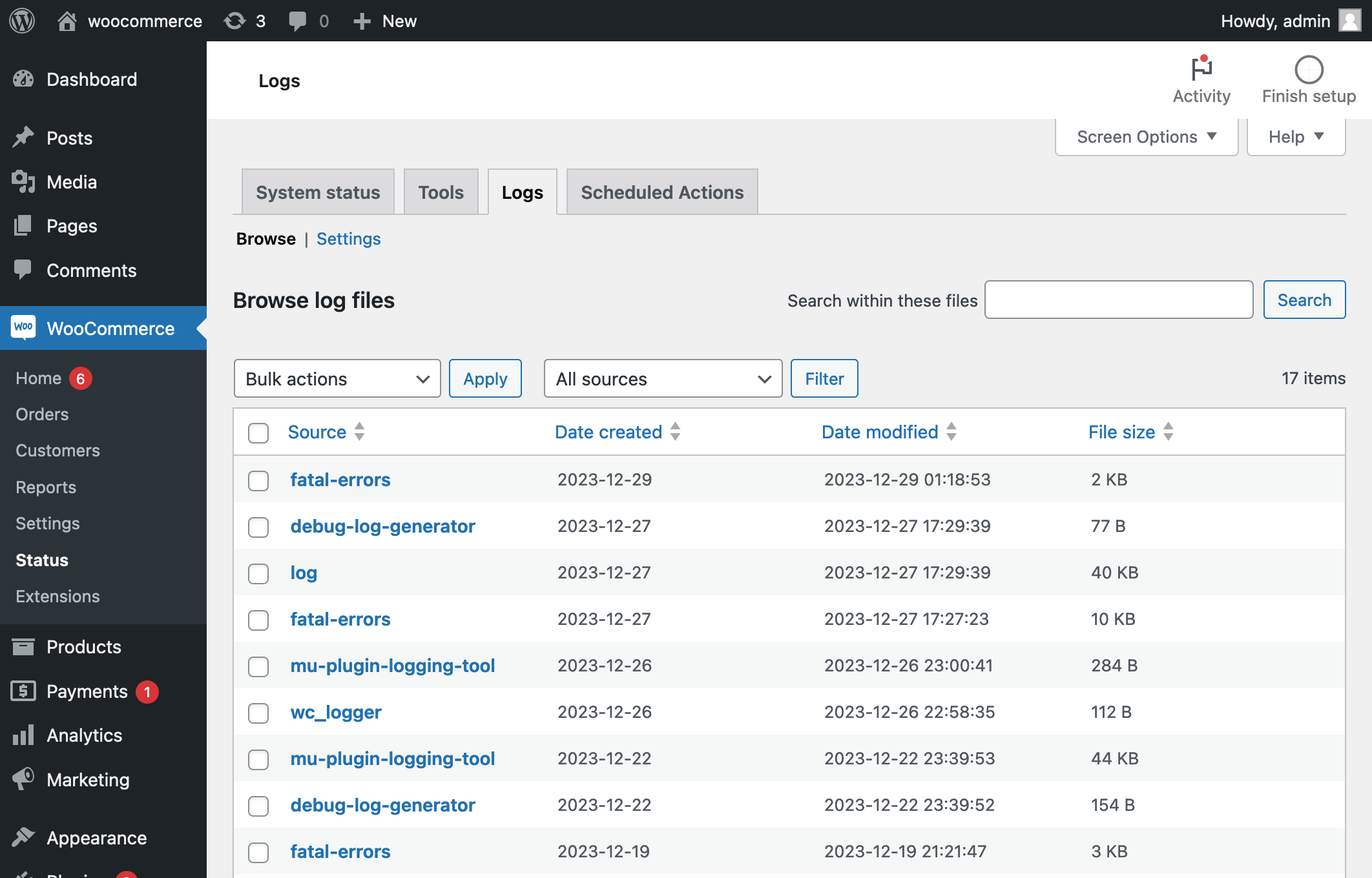
WordPress's scheduled-task system runs work such as publishing and plugin jobs. Compare the incident time with the responsible plugin's schedule and logs. For WooCommerce, open WooCommerce > Status > Scheduled Actions and inspect repeated failures or overdue actions using its official guide. Future Pending actions are not automatically a backlog.
Send the job name, failure message and timing to its owner. Correct a failing integration before retrying its work, and reconcile payments before any renewal retry. Do not bulk-run or delete the queue. If the host proposes replacing visit-triggered scheduling with a server schedule, have it configure and verify the replacement before disabling the existing trigger.
Check admin AJAX only when the evidence points there
A report naming admin-ajax.php identifies a shared request handler, not a single cause. Follow the AJAX inspection guide to identify the action. When it is Heartbeat, the Heartbeat guide explains scoped frequency changes that preserve editing features.
For another action, give the plugin developer its name and the host's timings. Database queries, a loop or repeated external requests need different changes. The WordPress performance handbook explains why software, caching and hosting capacity must be considered together.
Verify normal service under a comparable workload
After the targeted fix, repeat the affected task and review CPU, response times and limit events over a similar period. Confirm that paused work has a safe plan to finish, scheduled jobs progress, forms arrive and customers can check out. A quiet period after disabling a business feature is not a completed repair.
Monitor through the next scheduled job or traffic peak that previously triggered the issue. If legitimate demand still exceeds the confirmed allowance after avoidable work is addressed, ask the host for a capacity recommendation tied to that evidence. Keep a short incident record with the cause, change and result so a recurrence can be investigated promptly.
Get help with the next step
If hosting reports show sustained load without a clear cause, BugShield can help connect the server evidence to the WordPress task and plan a fix around the site's working features.